
(Available for iOS/Android)

(Available for iOS/Android)





How To Use Instant Top Up
━ Pay by 7-ELEVEN ━
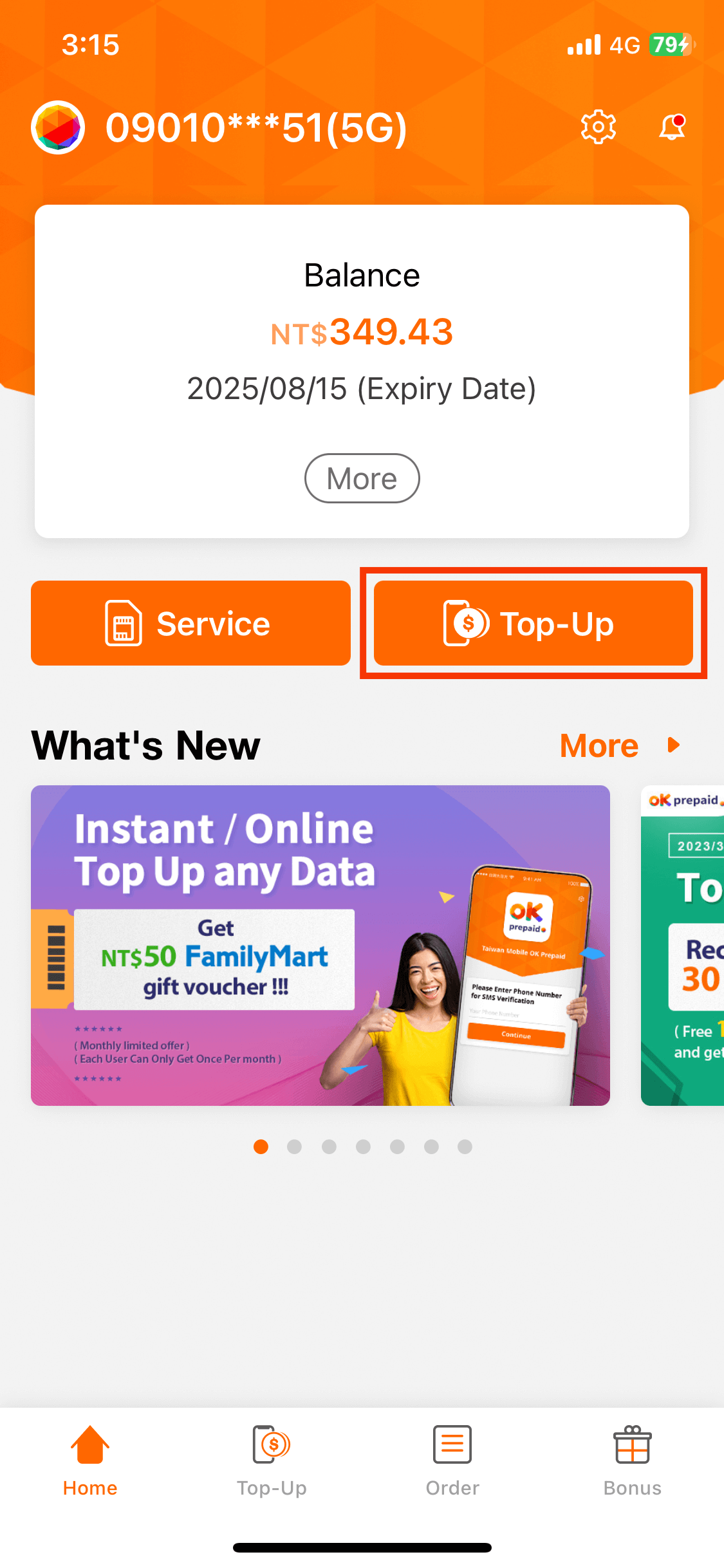
step 1
Top-Up
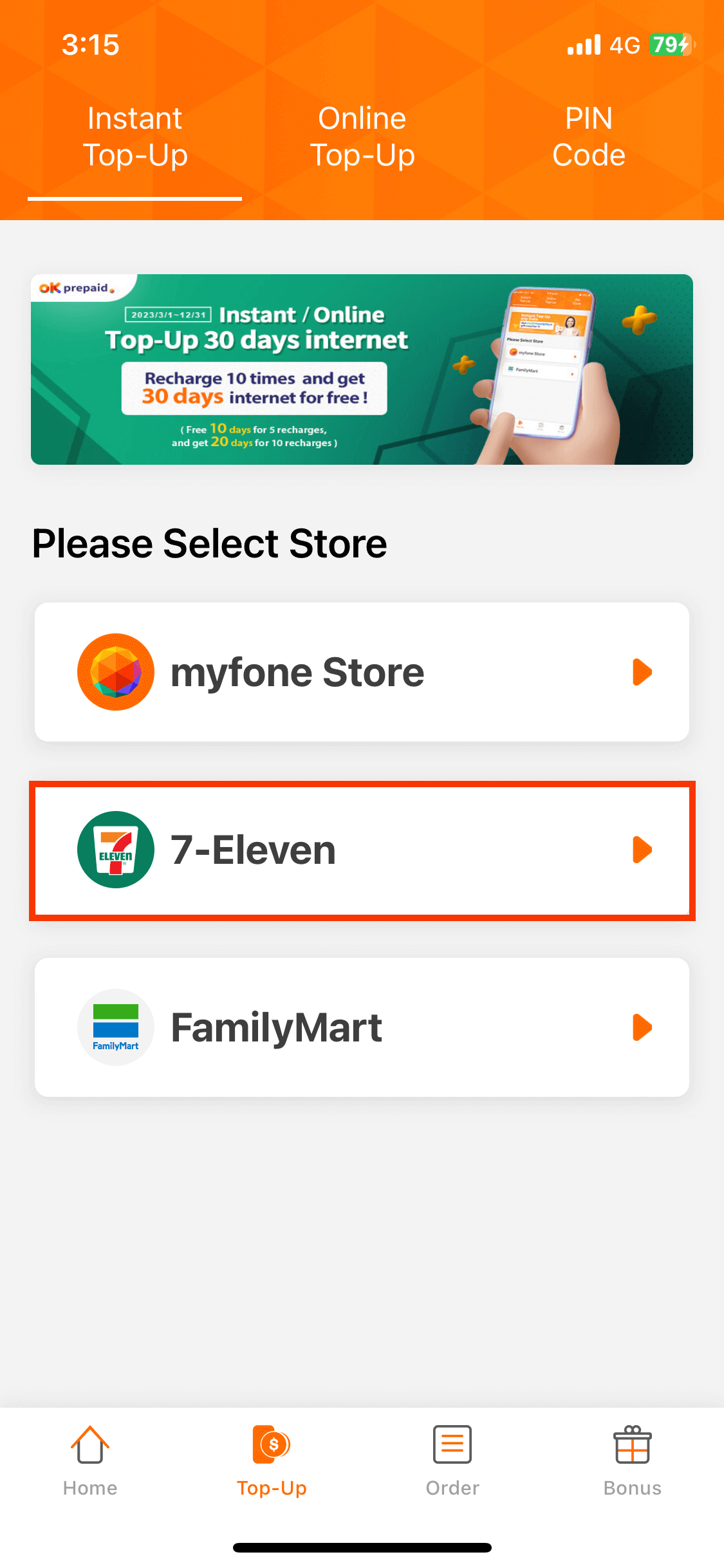
step 2
Select Store
step 3
Select Product
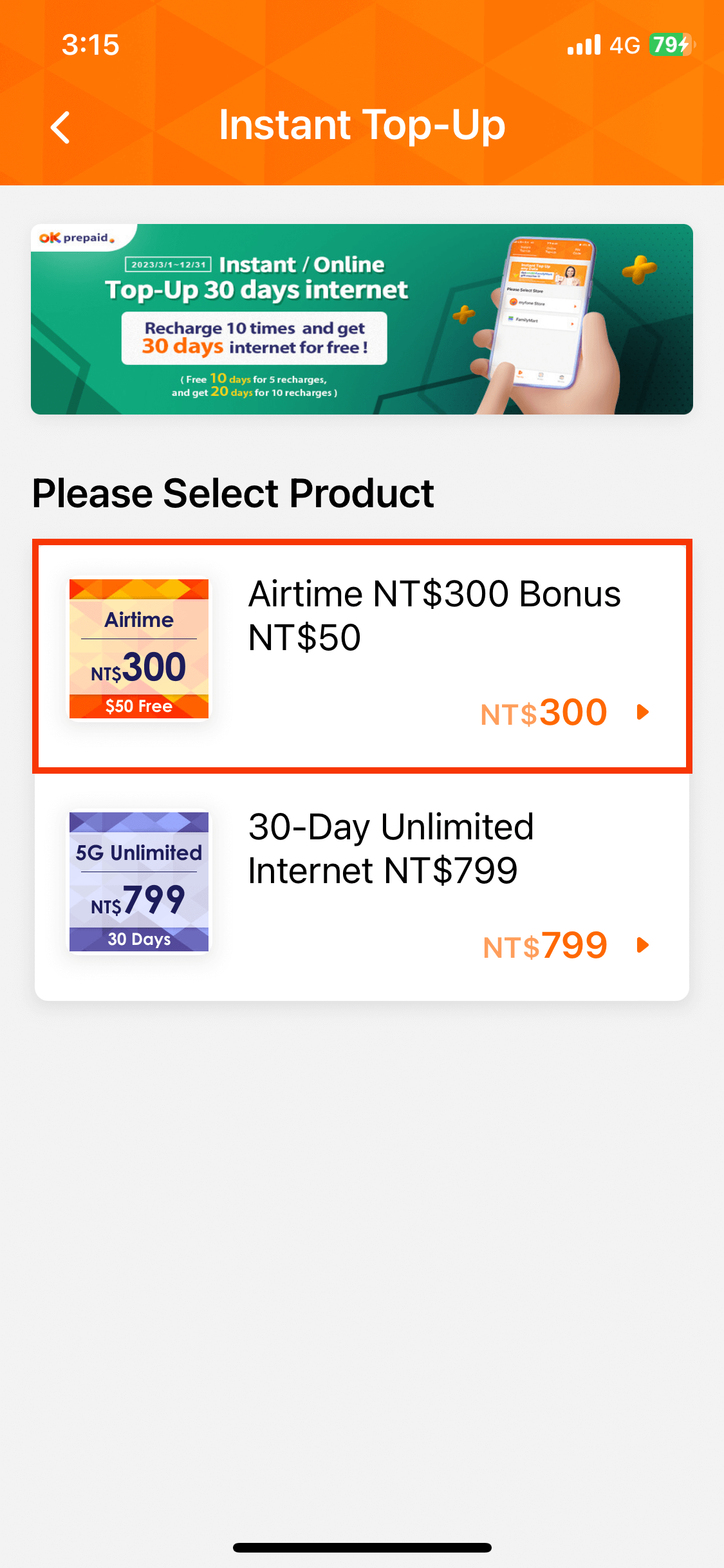
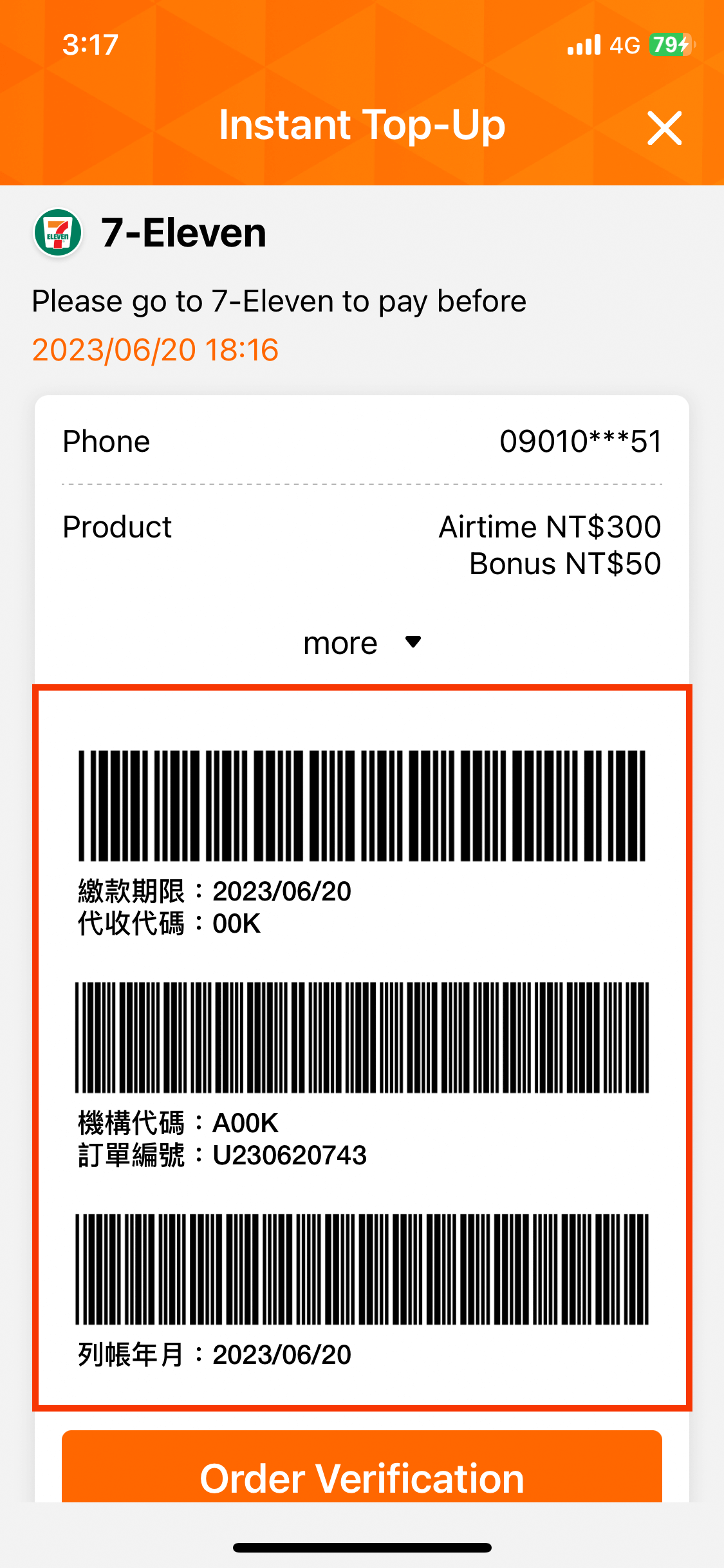
step 4
Payment Barcode
step 5
Complete (Show & Pay)
━ Pay by FamilyMart ━
step 1
Top-Up
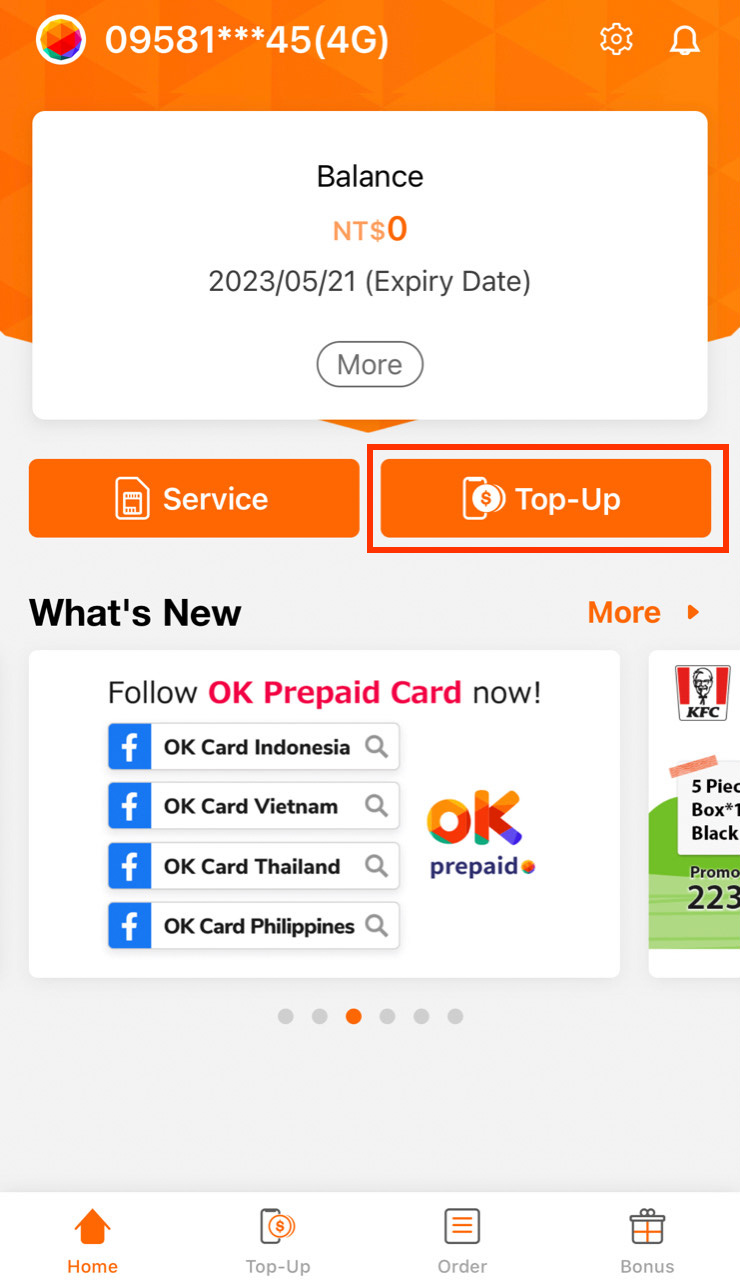
step 2
Select Store
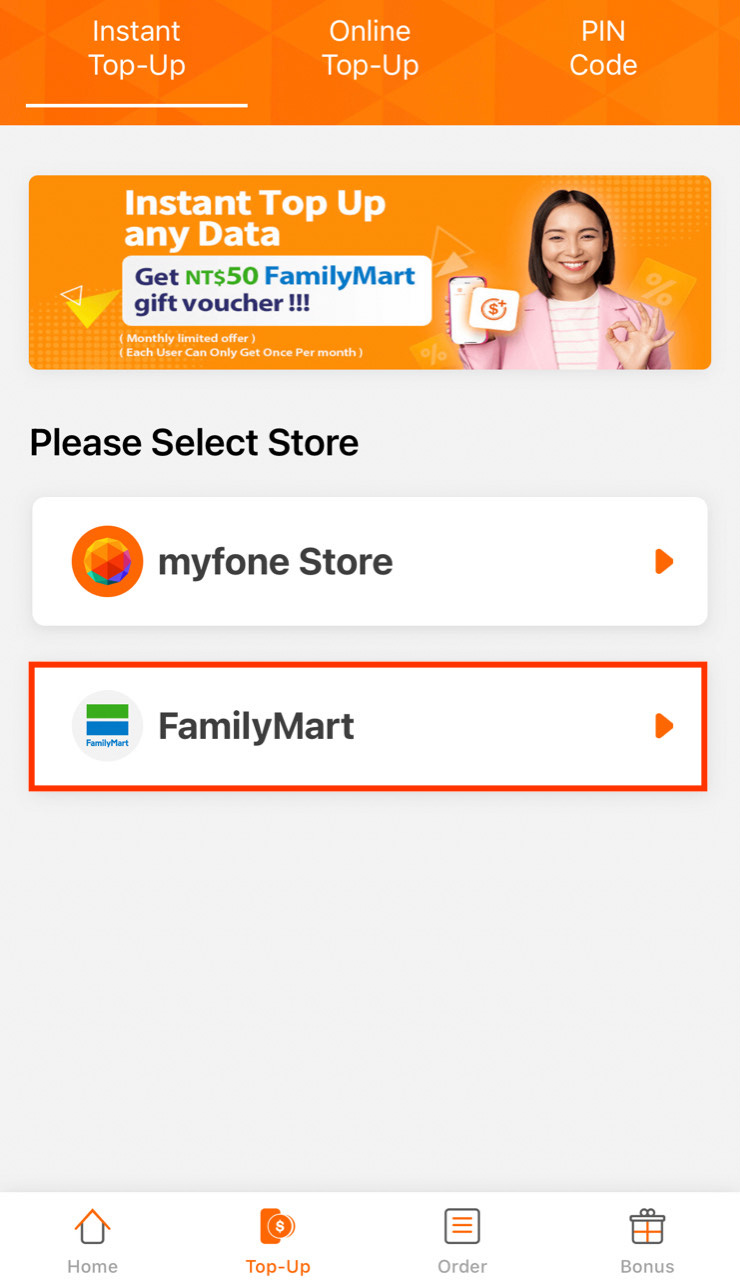
step 3
Select Product
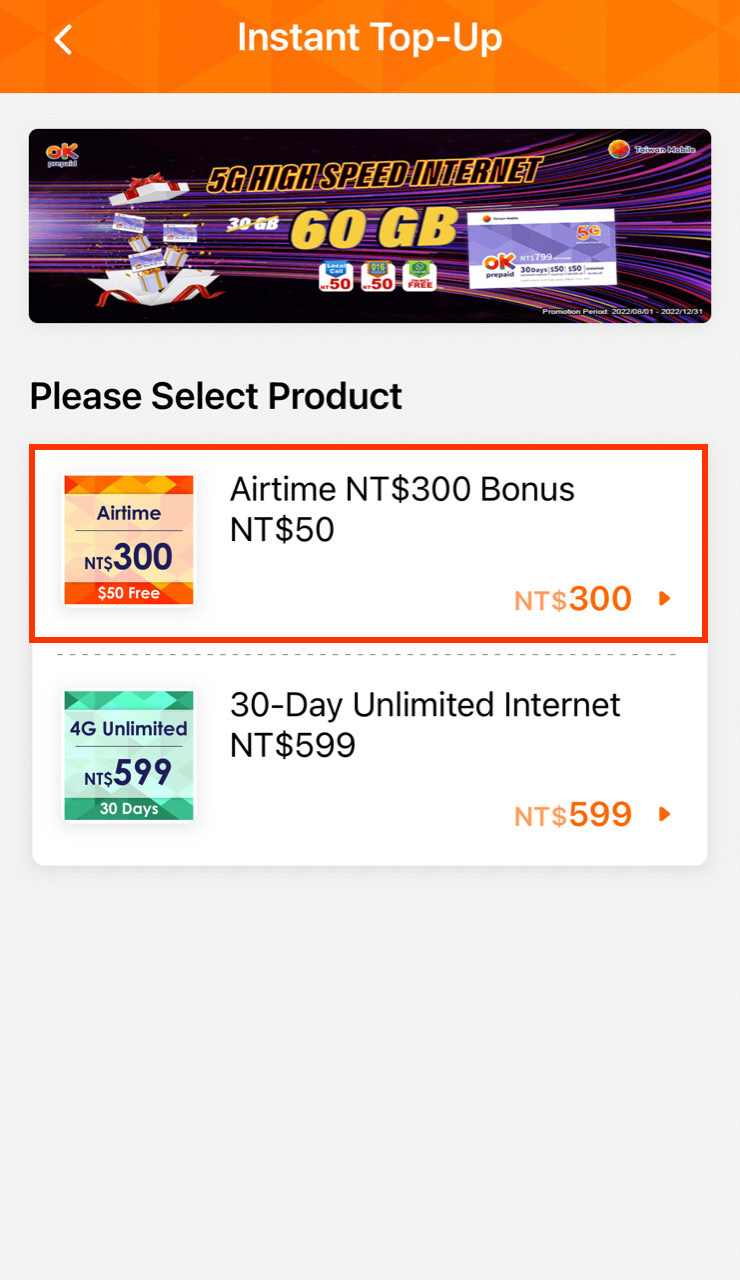
step 4
Payment Barcode
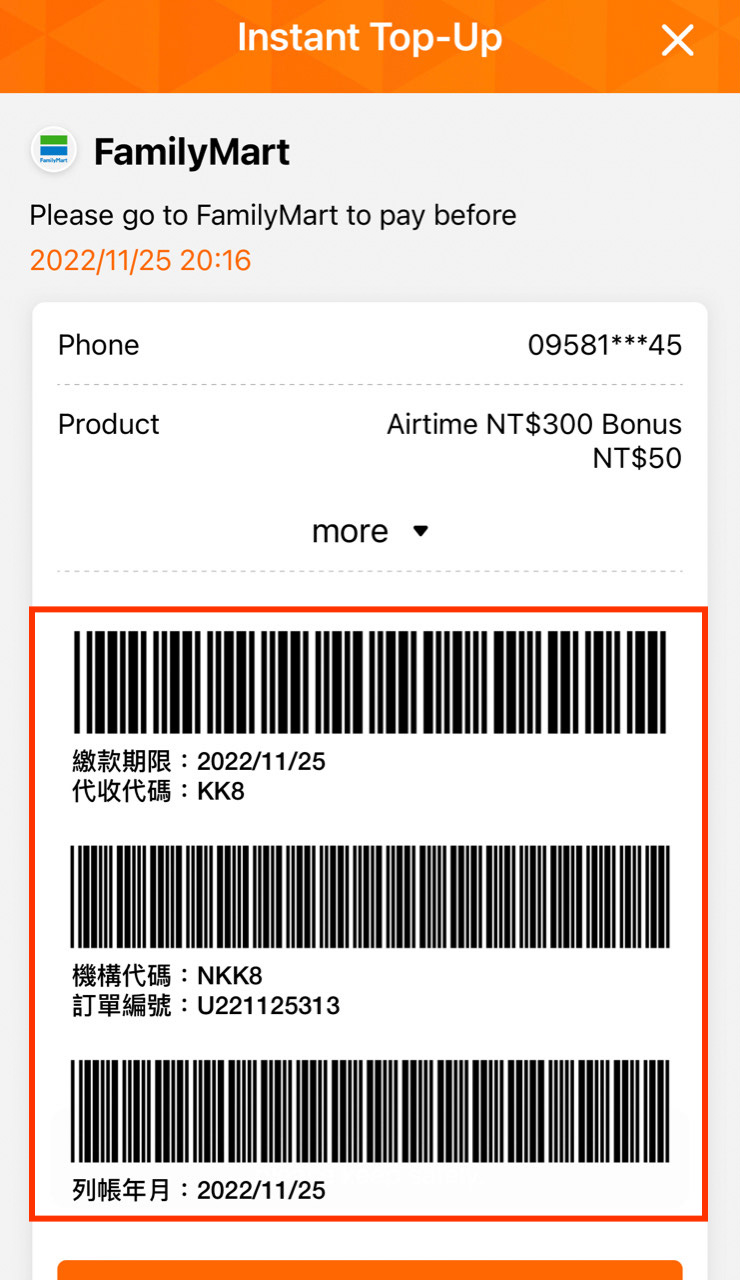
step 5
Complete (Show & Pay)
━ Pay by myfone Store ━
step 1
Top-Up
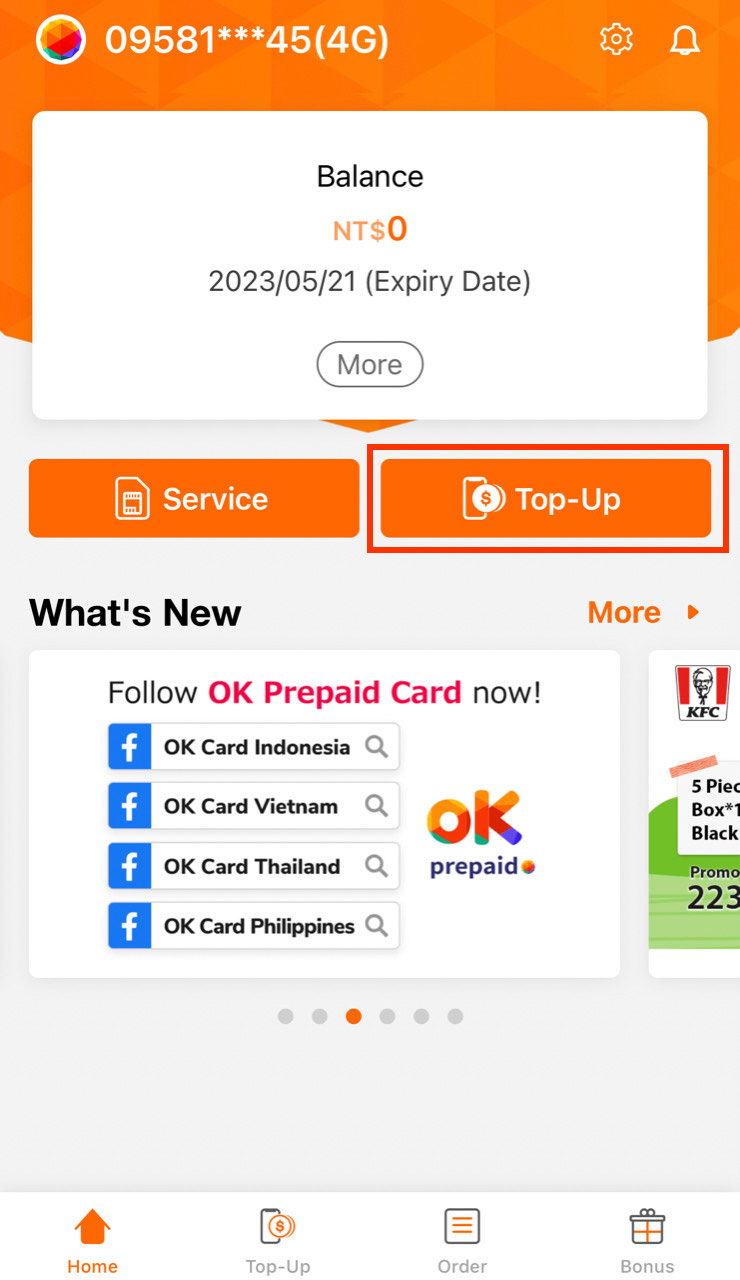
step 2
Select Store
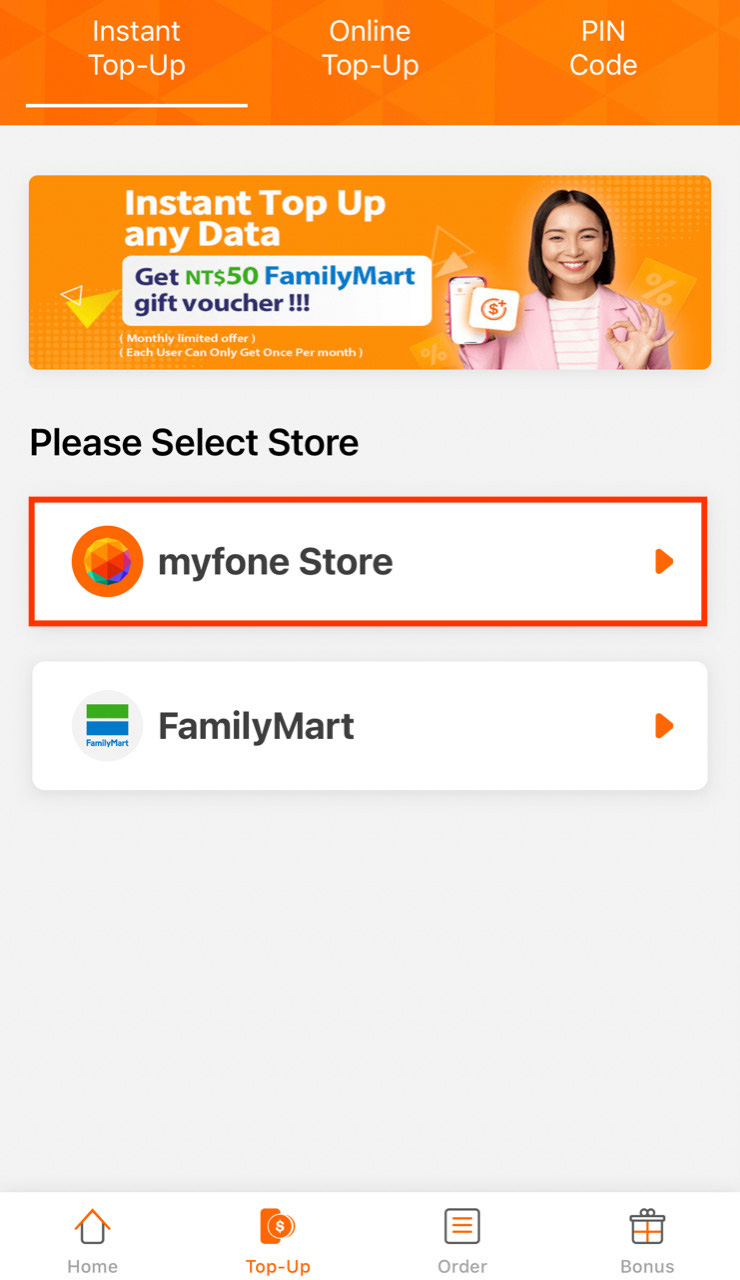
step 3
Select Product
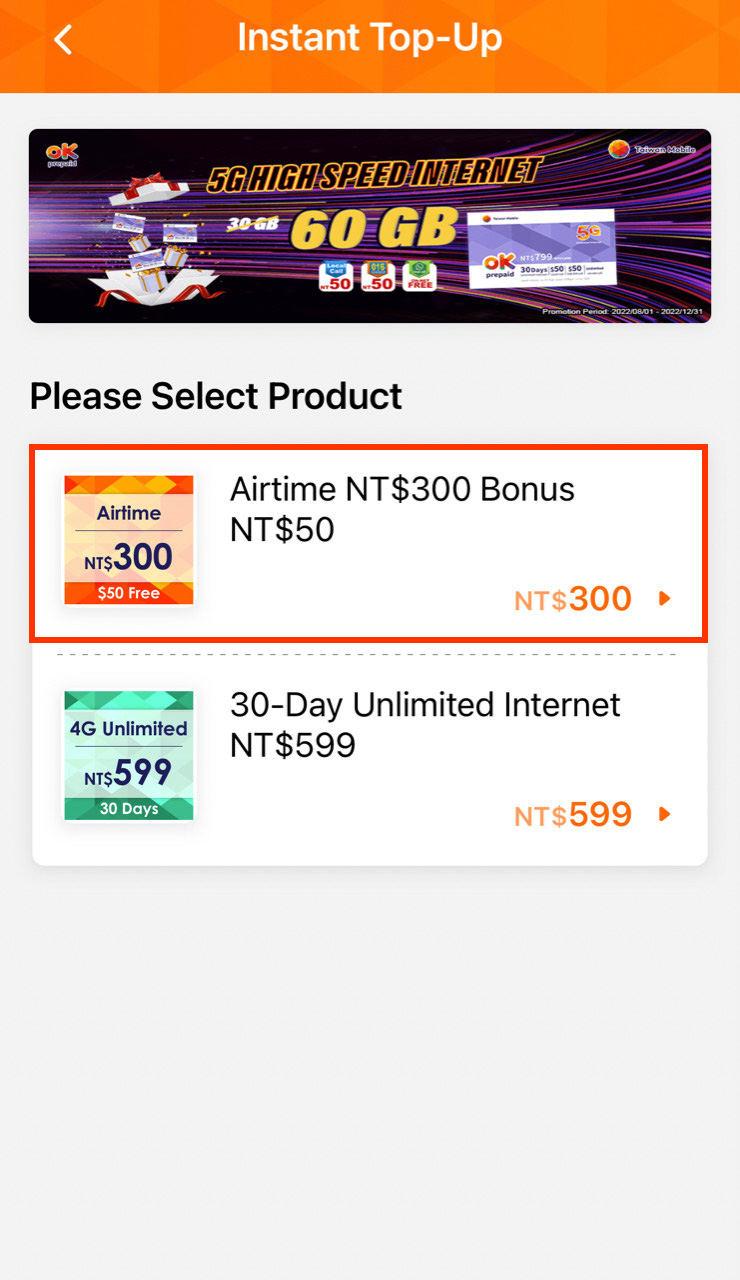
step 4
Payment Barcode
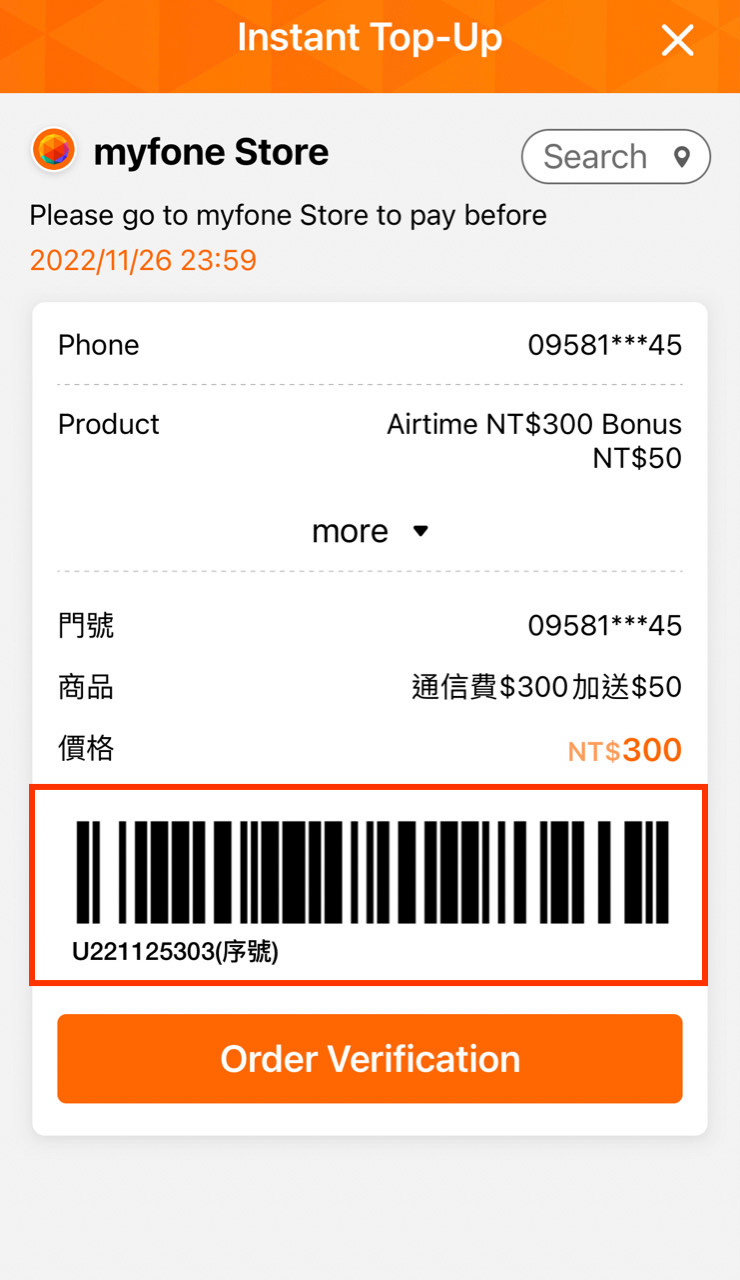
step 5
Complete (Show & Pay)


How to Find the
Barcode
━ Convenience Store ━
step 1
Order
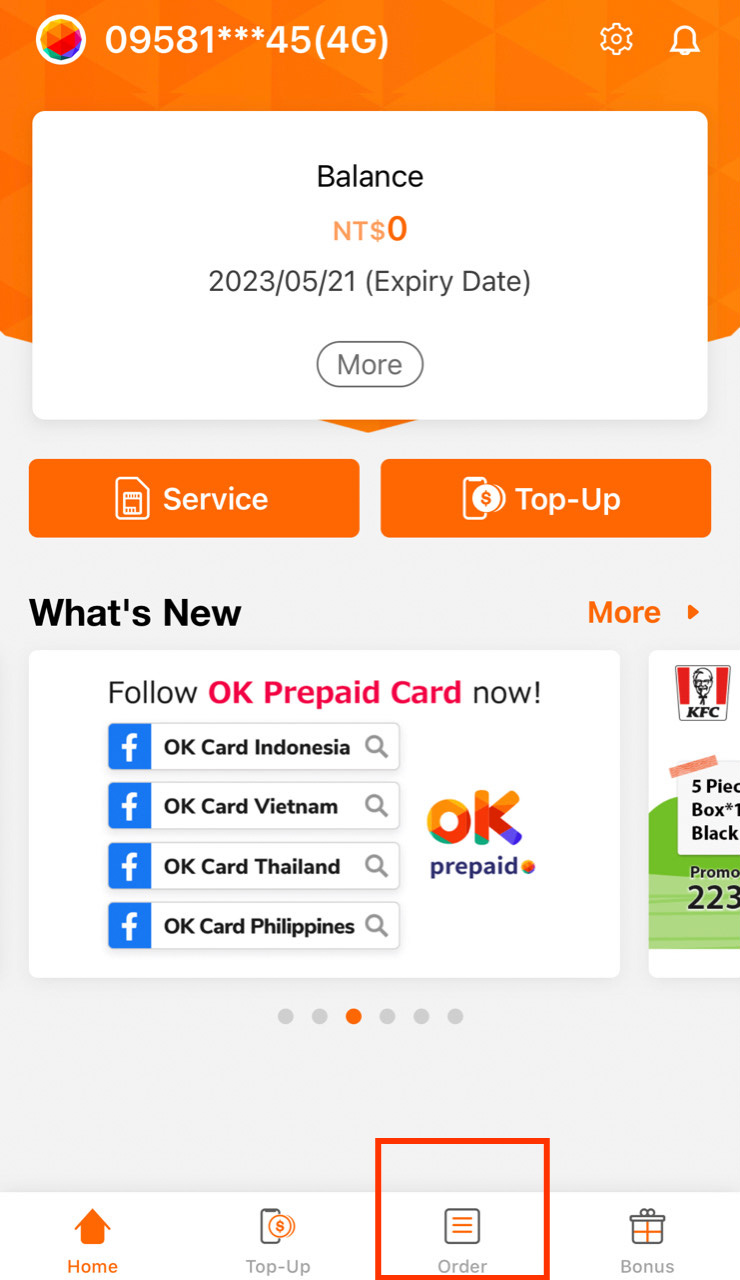
step 2
Payment Barcode
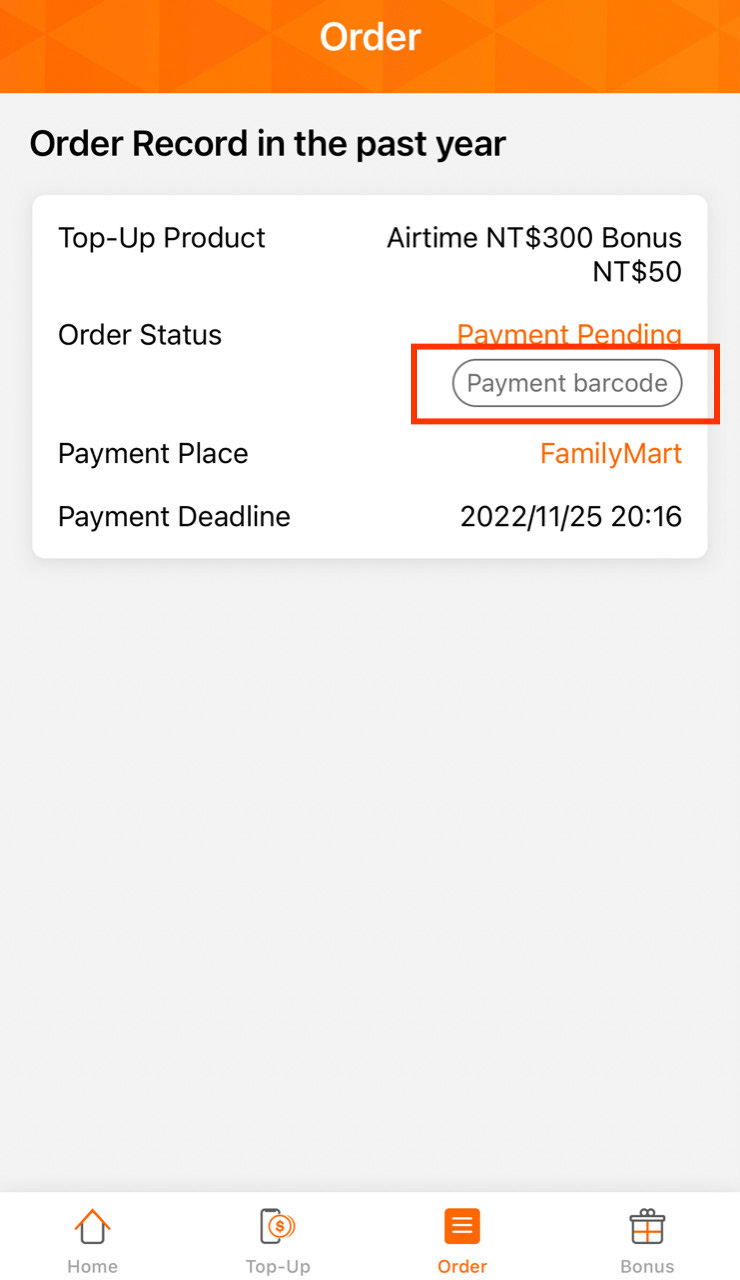
step 3
Show Barcode
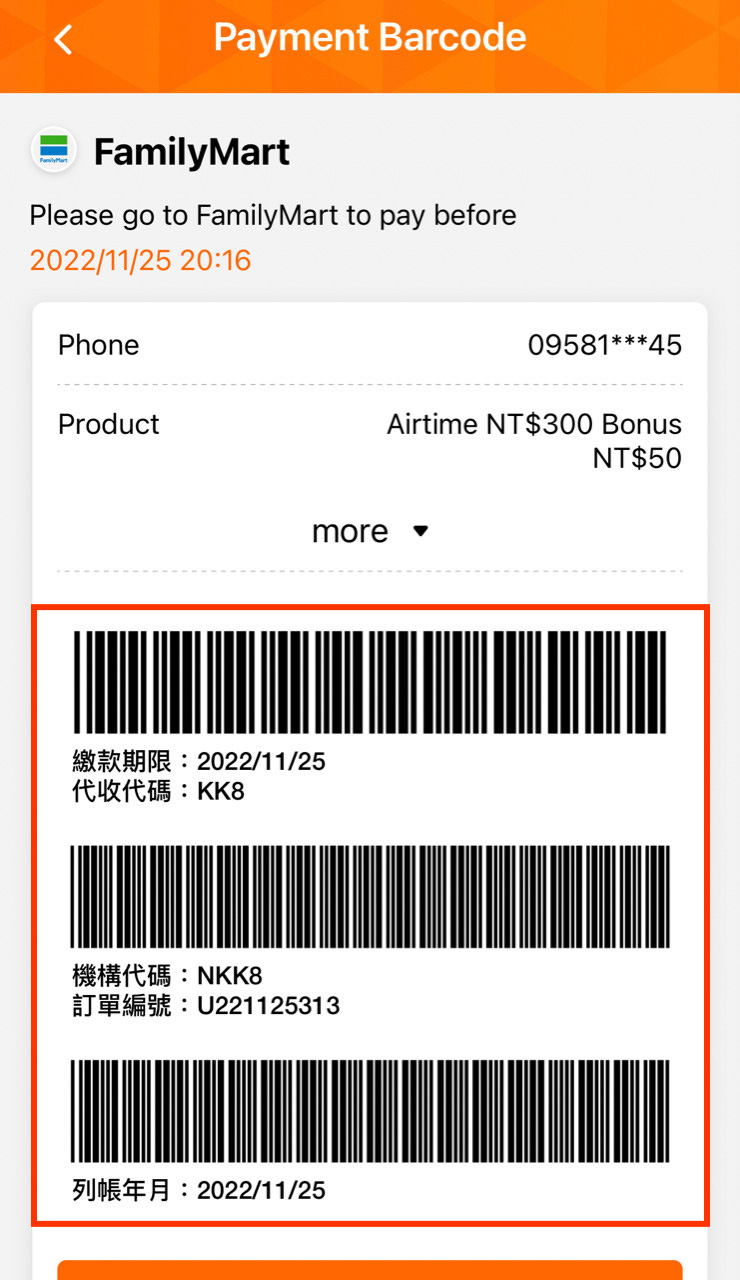
step 4
Complete(Show & Pay)
━ myfone Store ━
step 1
Order
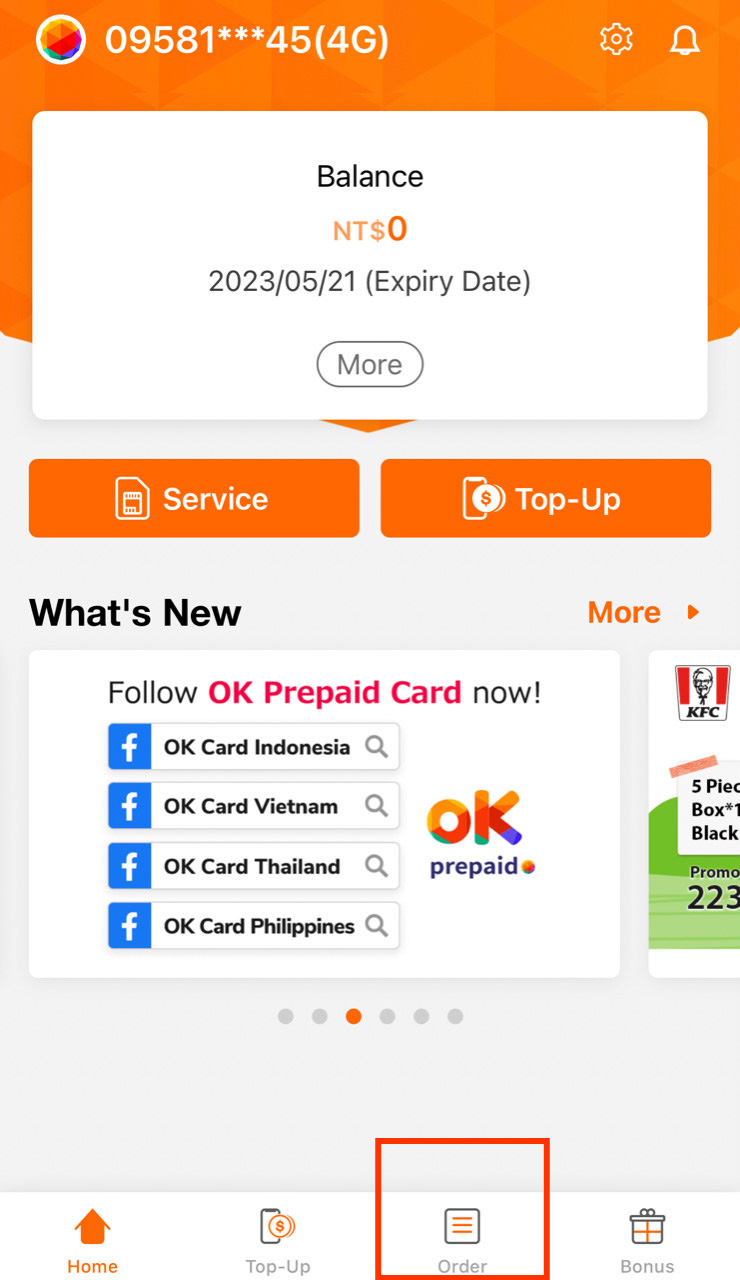
step 2
Payment Barcode
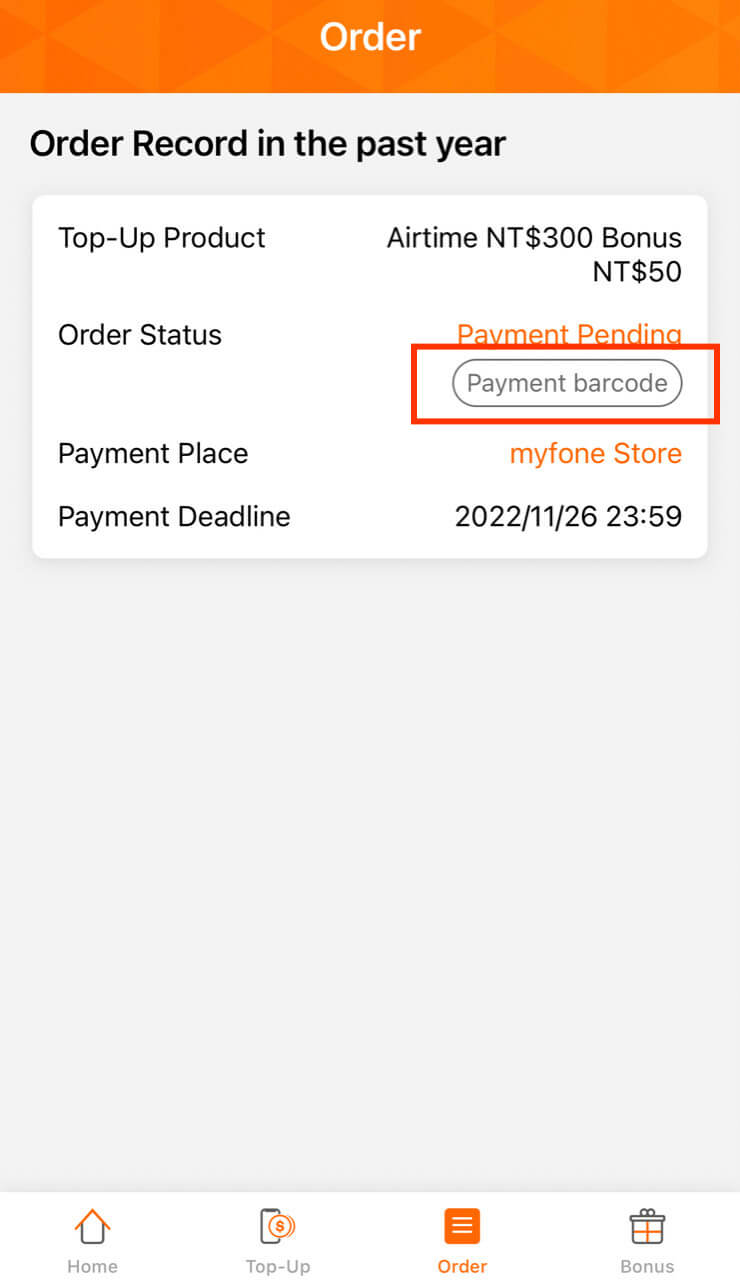
step 3
Show Barcode
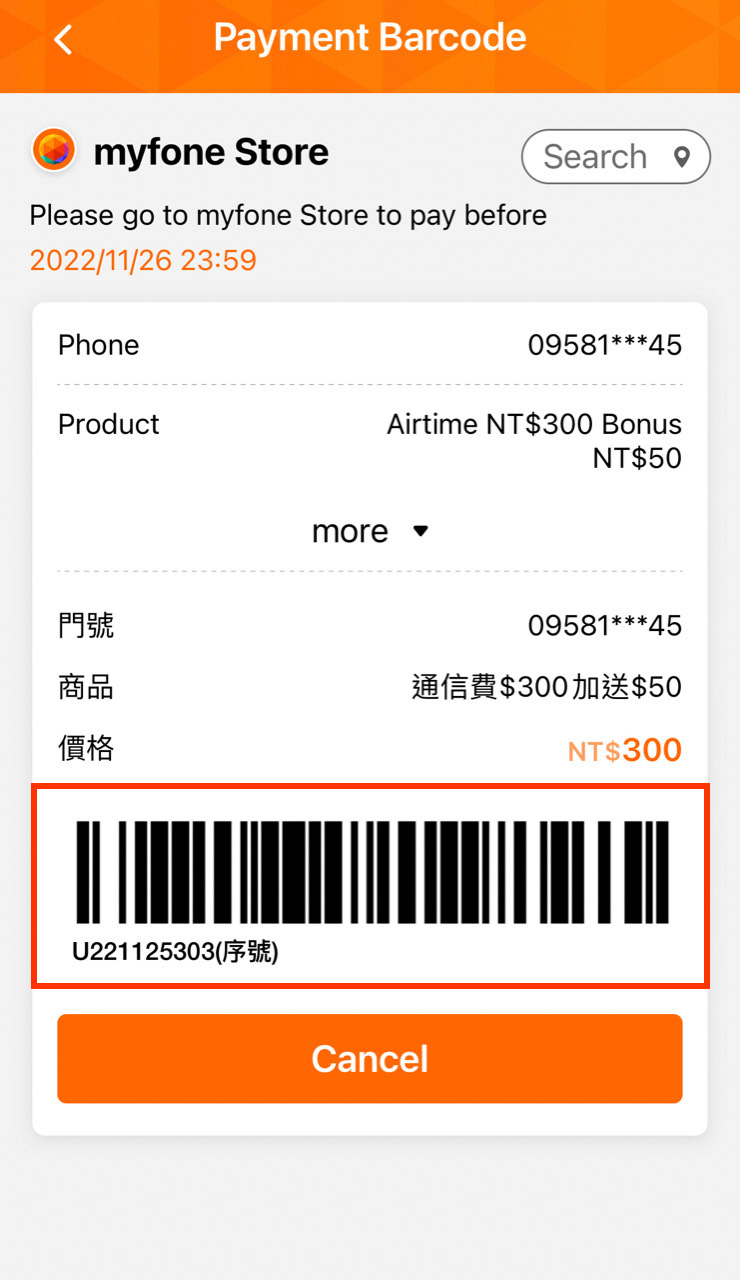
step 4
Complete(Show & Pay)

How To Use Online Top Up
━ Connect Bank Account ━
step 1
Online Top-up
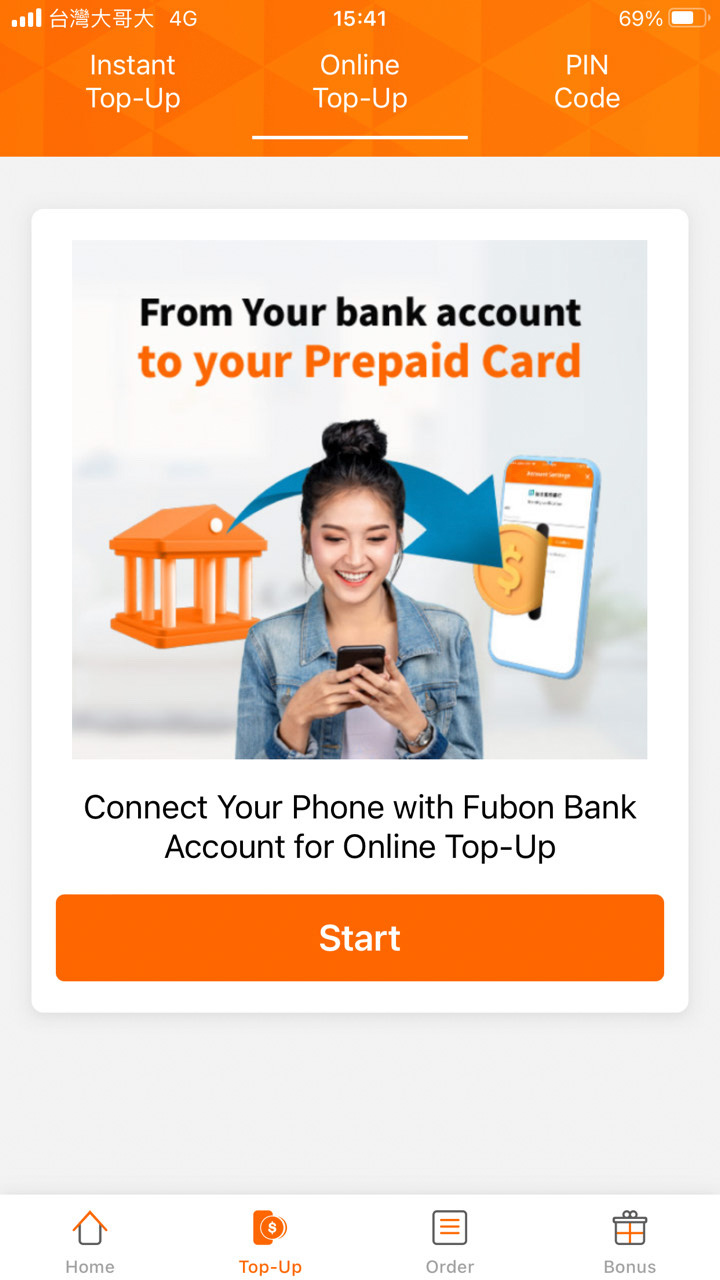
step 2
Connect Bank Account
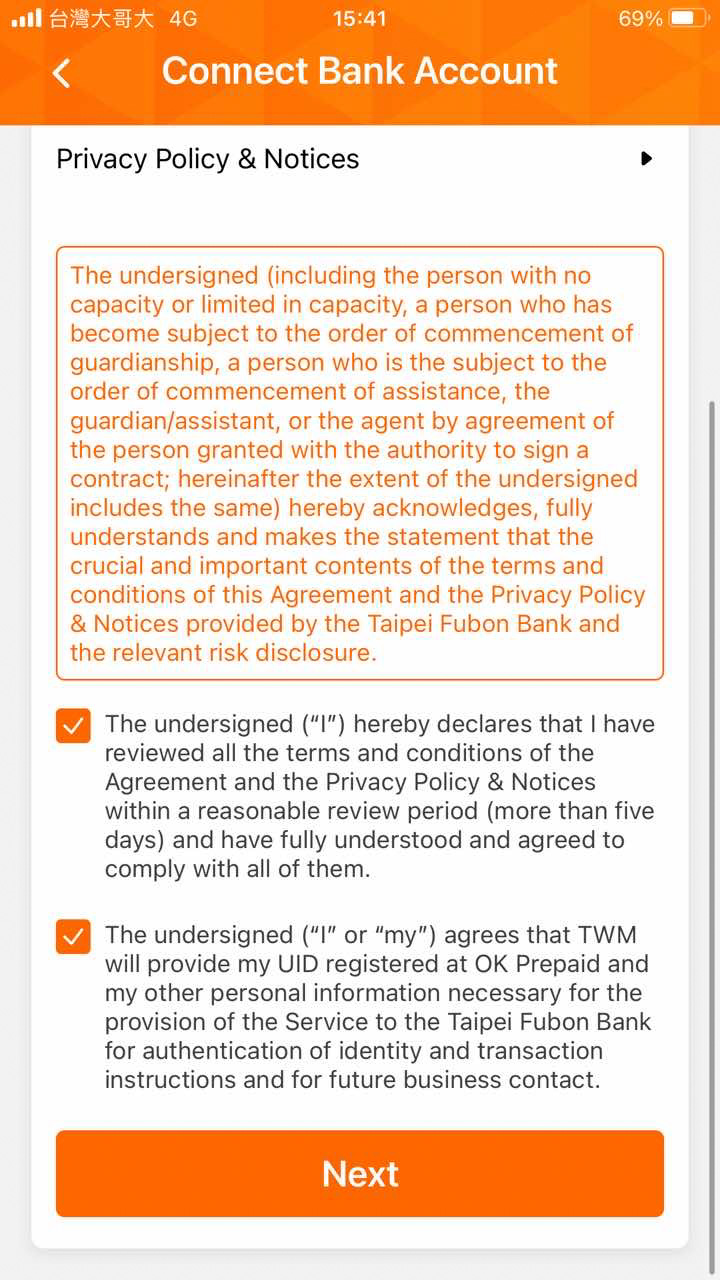
step 3
Choose Fubon Bank
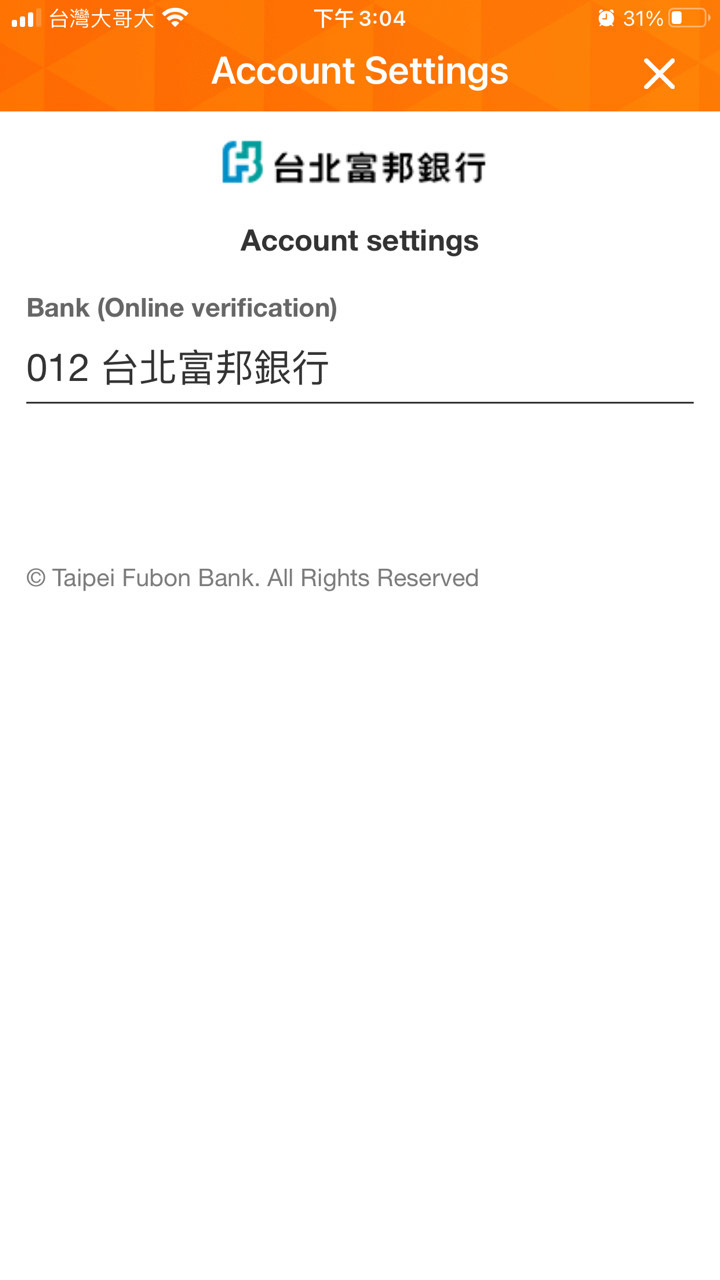
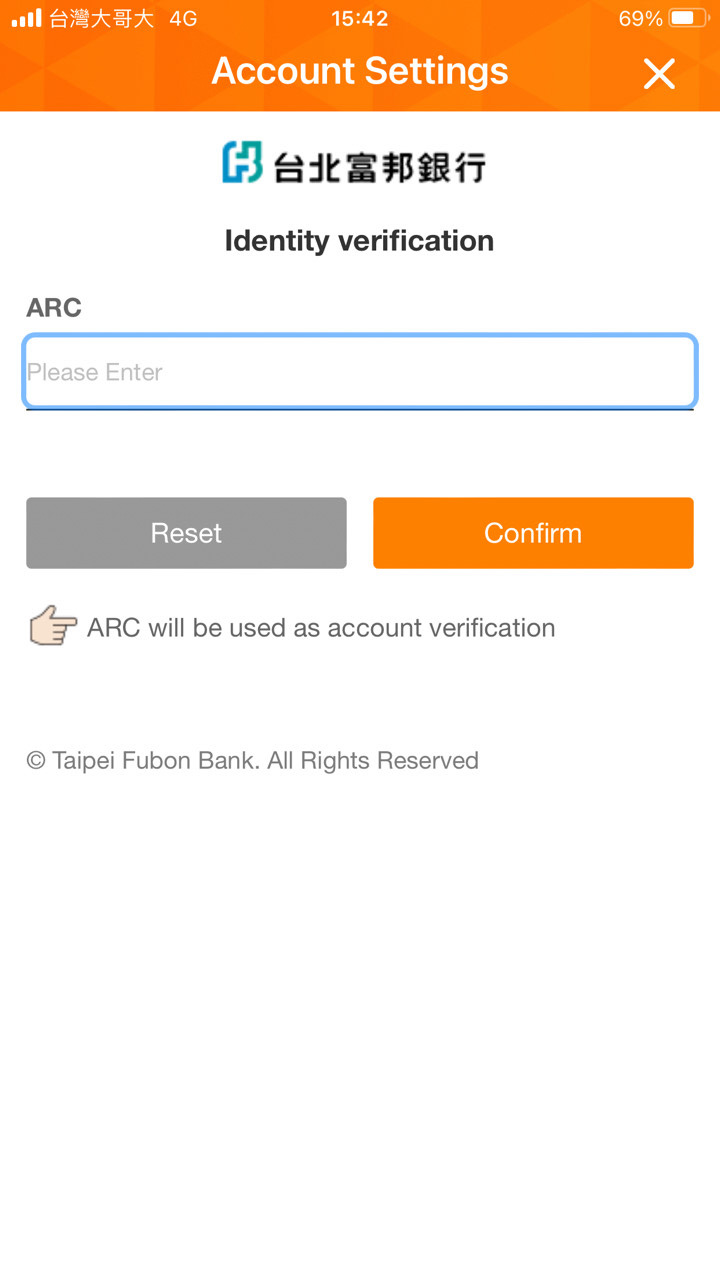
step 4
Enter ARC
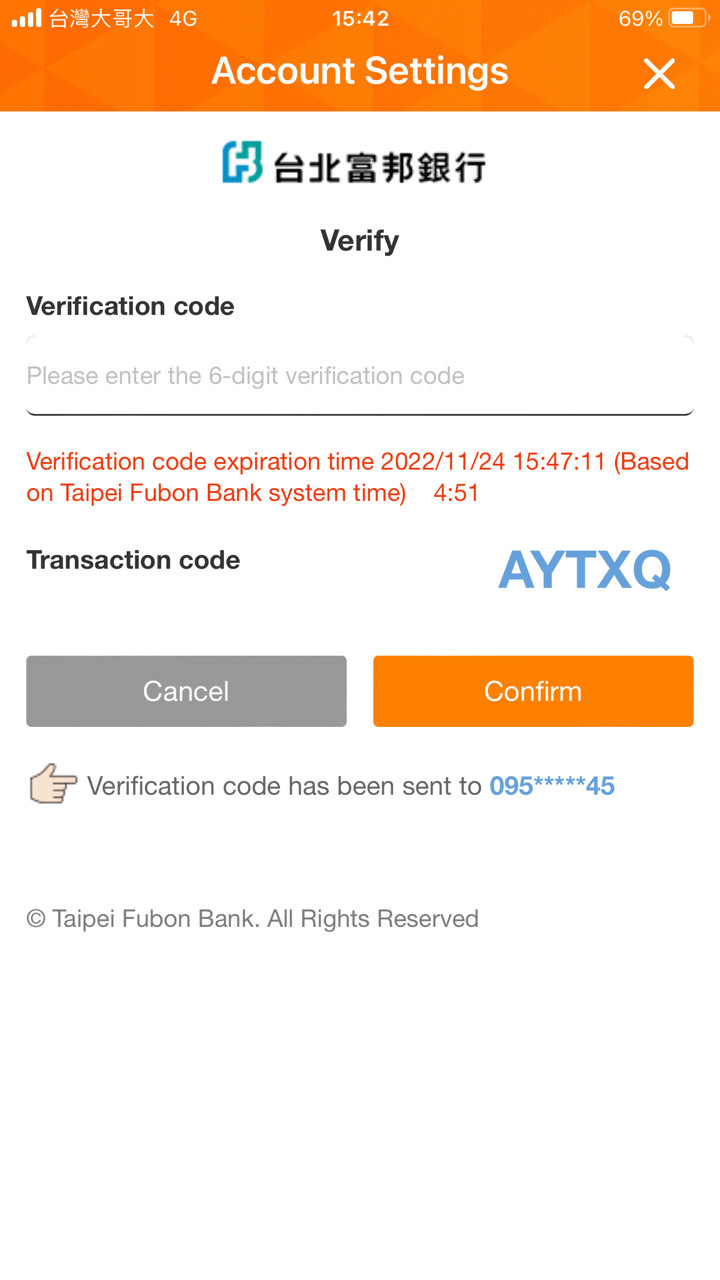
step 5
Enter Verification Code
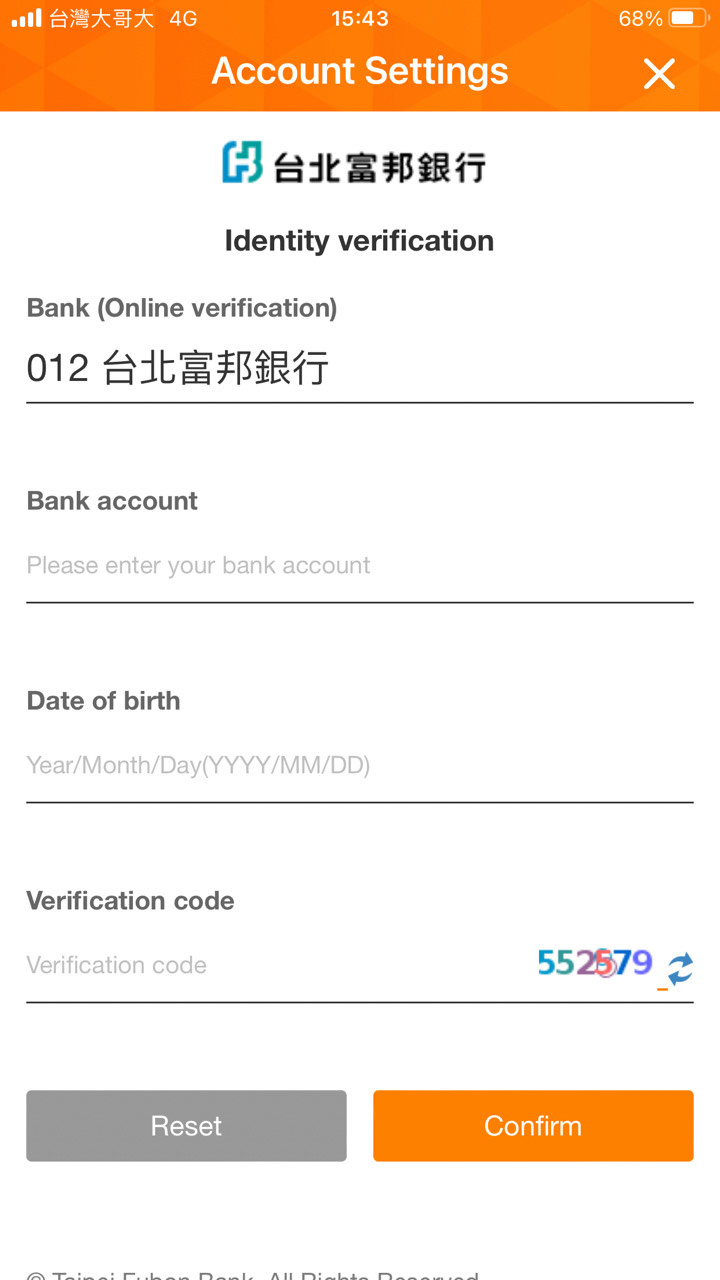
step 6
Identity Verification
step 7
Enter Verification Code
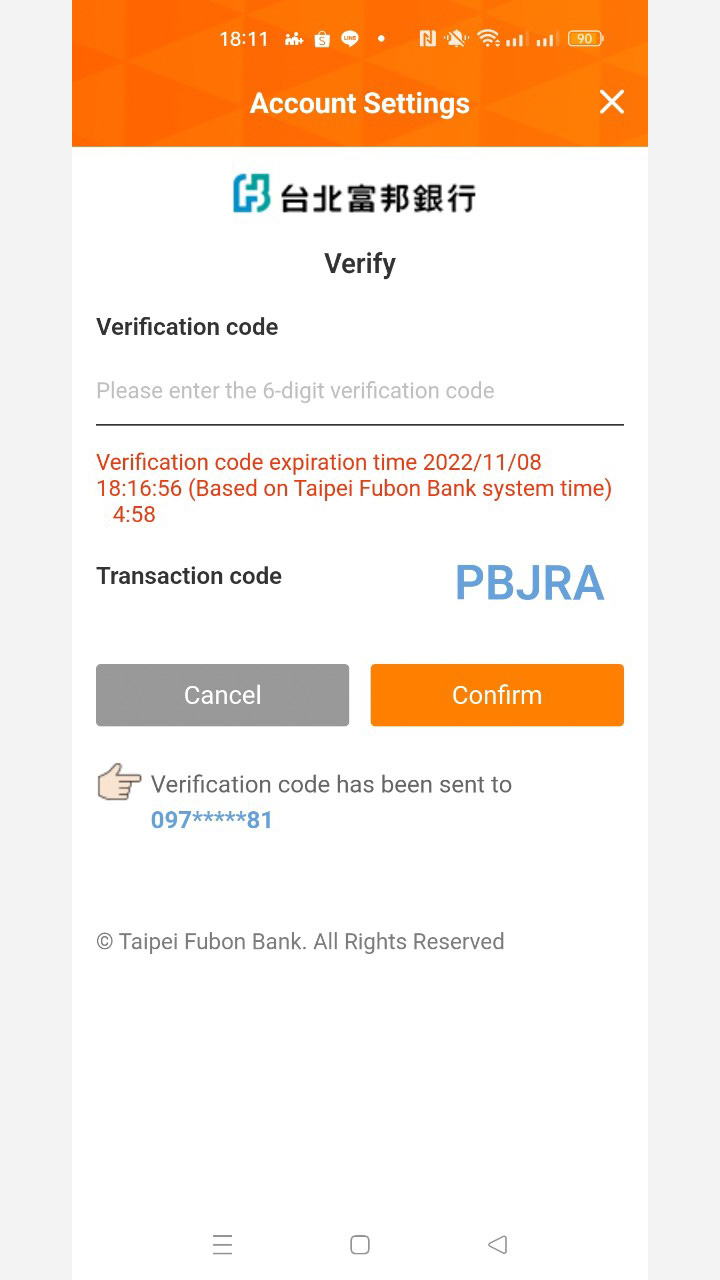
step 8
Set Payment Password
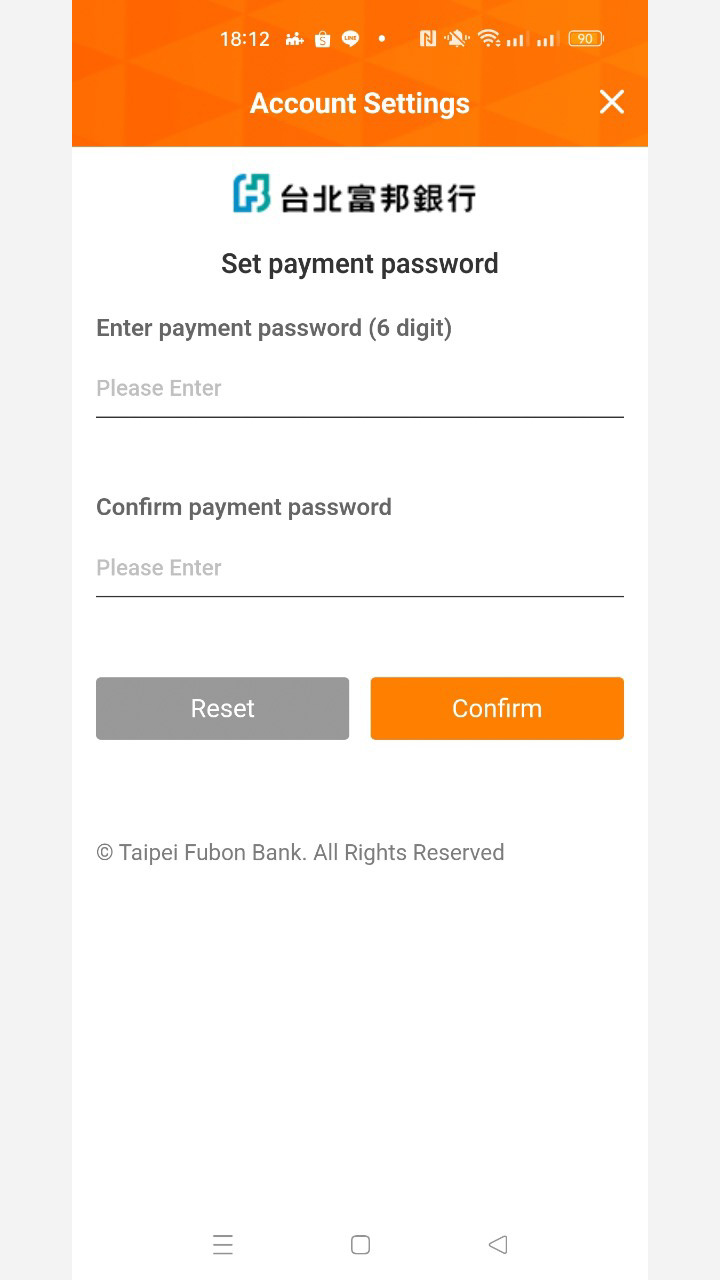
step 9
Account Link Successful
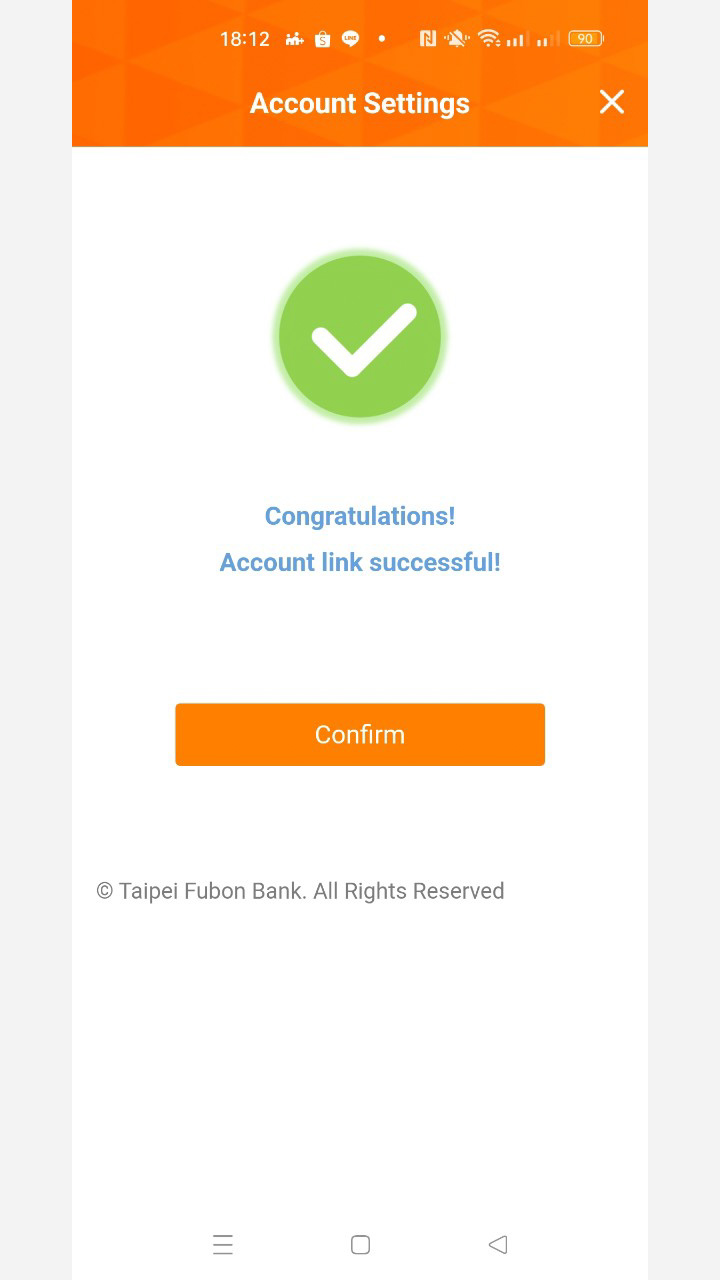
━ Top Up ━
step 1
Top-Up By Fubon Bank Account
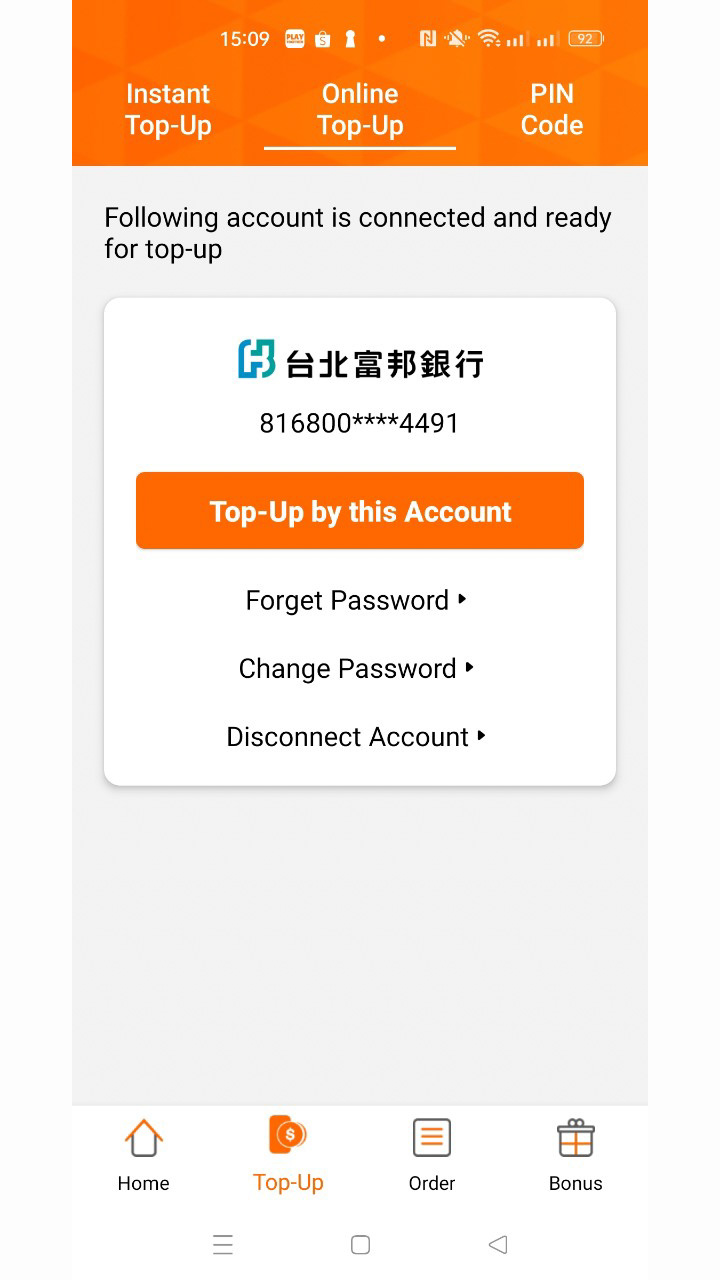
step 2
Select Product
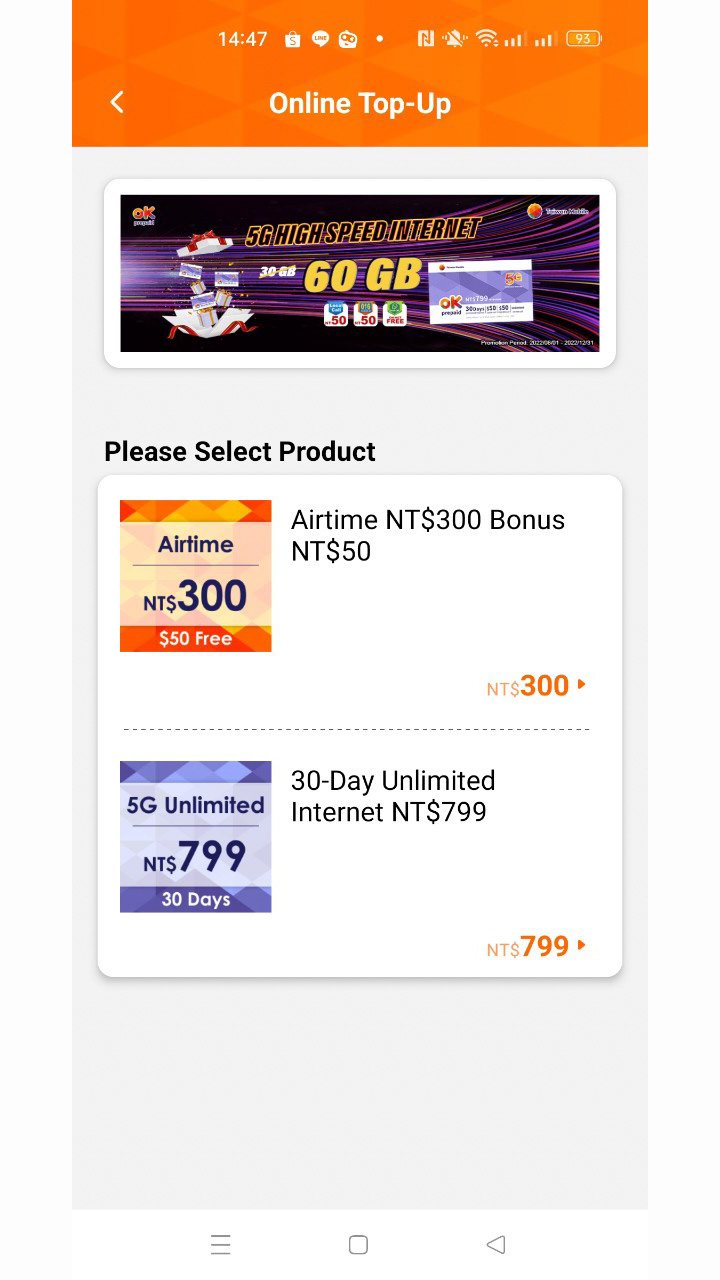
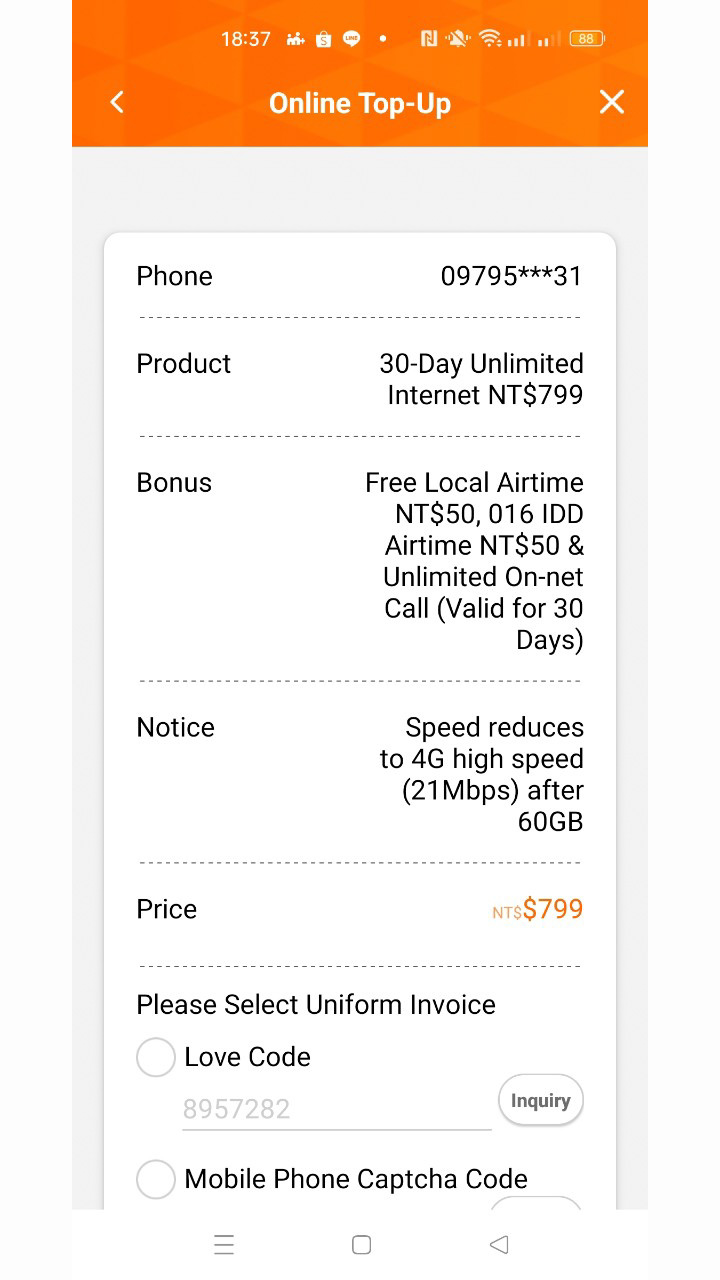
step 3
Confirm Order
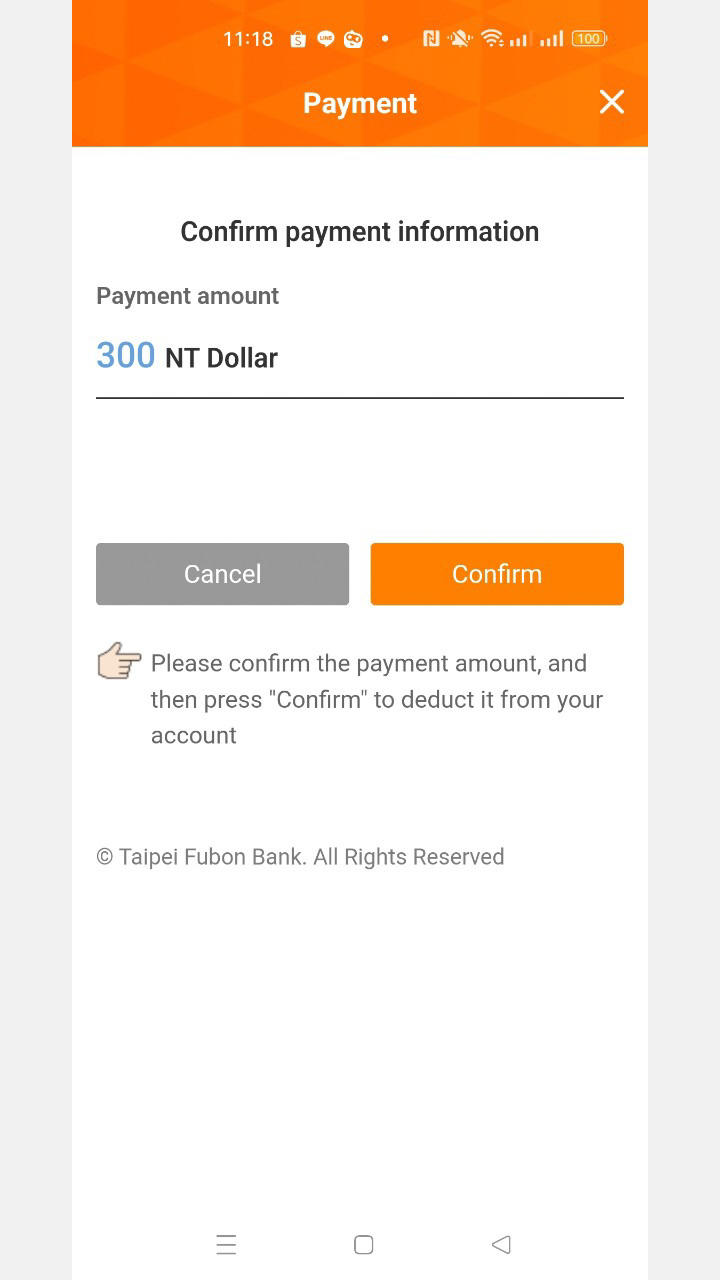
step 4
Confirm Payment Information
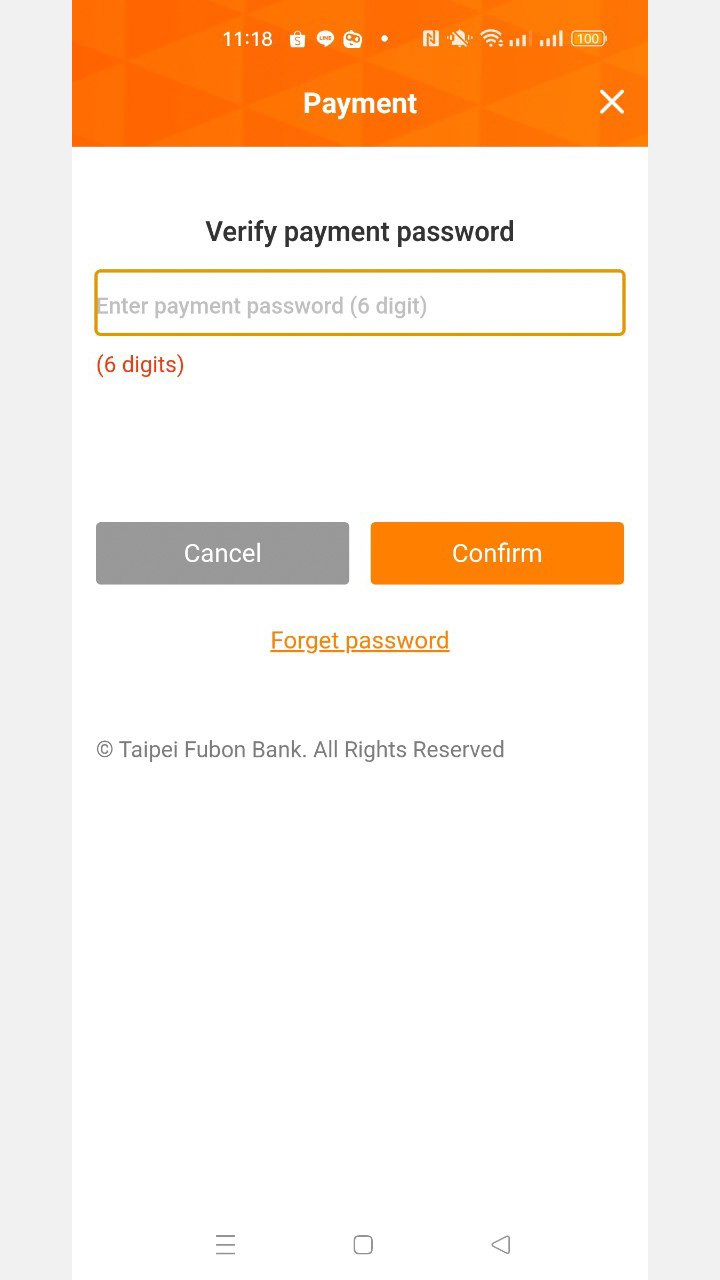
step 5
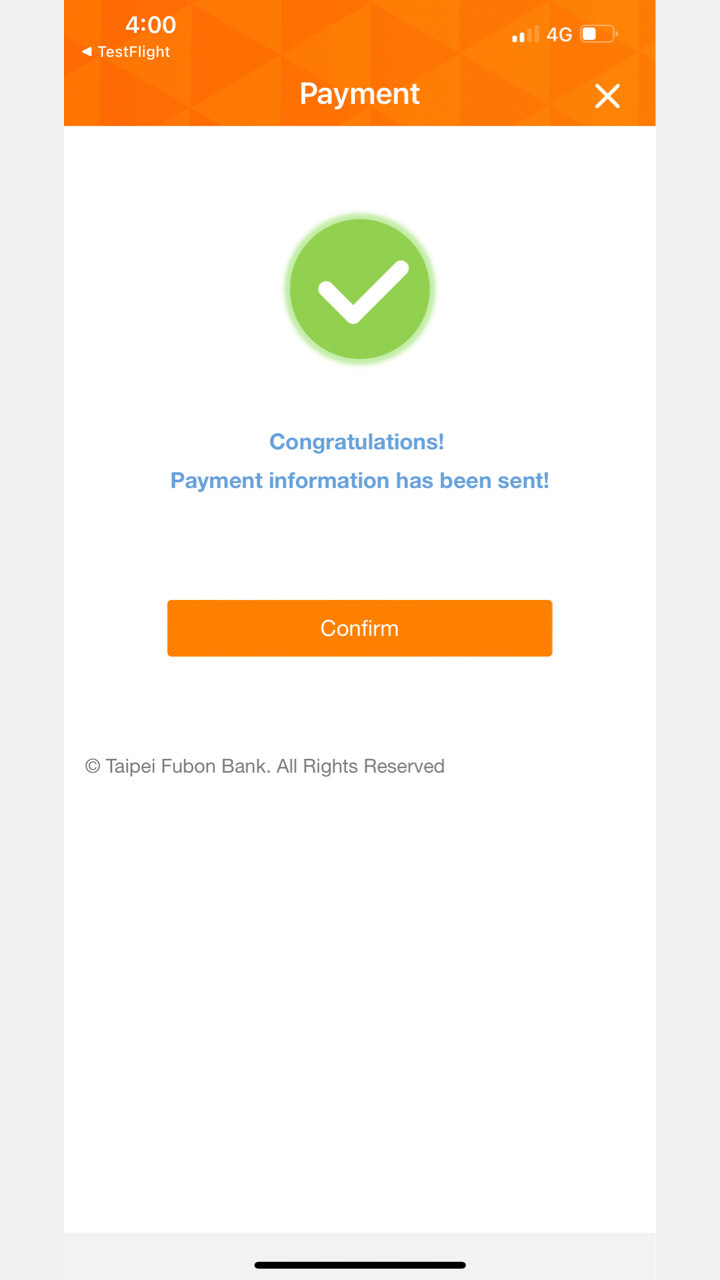
Enter Payment Password
step 6
Payment Complete
Terms & Conditions
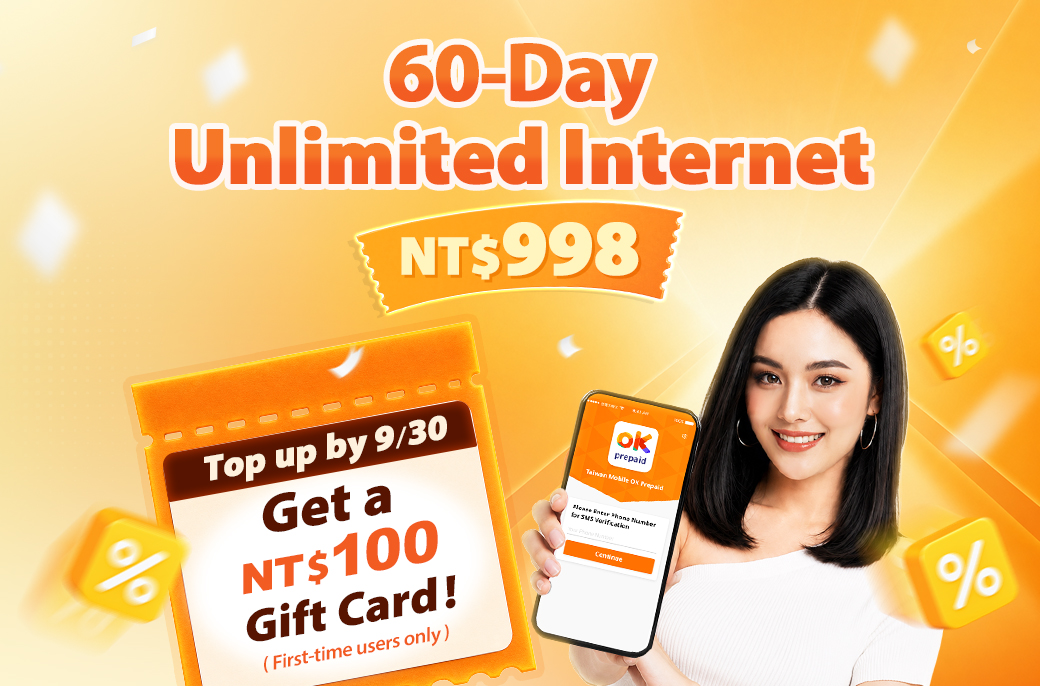
- Top up a 60-Day Unlimited Internet plan (NT$998) at myfone or convenience stores by 9/30 and receive a NT$100 Gift Card! The digital gift card code will be sent via SMS next month. Offer valid for first-time users only.
- Redeem PIN Code:Use FamilyMart FamiPort First Page(Gift) PIN Code Key in PIN Code Confirm and Print Out Coupn Take Coupon to Counter to exchange. How to Use